

Fully funded 10-week Minecraft data careers unit for Western Sydney schools
CloudCraft Futures is a custom Minecraft Education world that turns the Western Sydney datacentre corridor into a zero‑prep, curriculum‑aligned Term 4 program for Stage 3, 4 or 5 classes.
Funded places are available for up to 180 Western Sydney teachers in 2026. Forty‑eight are already trained; remaining places must be allocated by the end of Term 4.
Working with

Who it’s for
CloudCraft Futures is designed for:
Western Sydney
NSW public schools located in the datacentre corridor
Years 5 to 6
Science and Technology classes
Years 7 to 8
Technology 7 to 8 (all students)
Years 9 to 10
Computing Technology elective classes
If your students can access Minecraft Education, you can run this program.
Stage 3 Years 5 to 6
Science and Technology K to 6 (2017), Digital Technologies strand
Focus
Digital systems, data, algorithms and simple automation
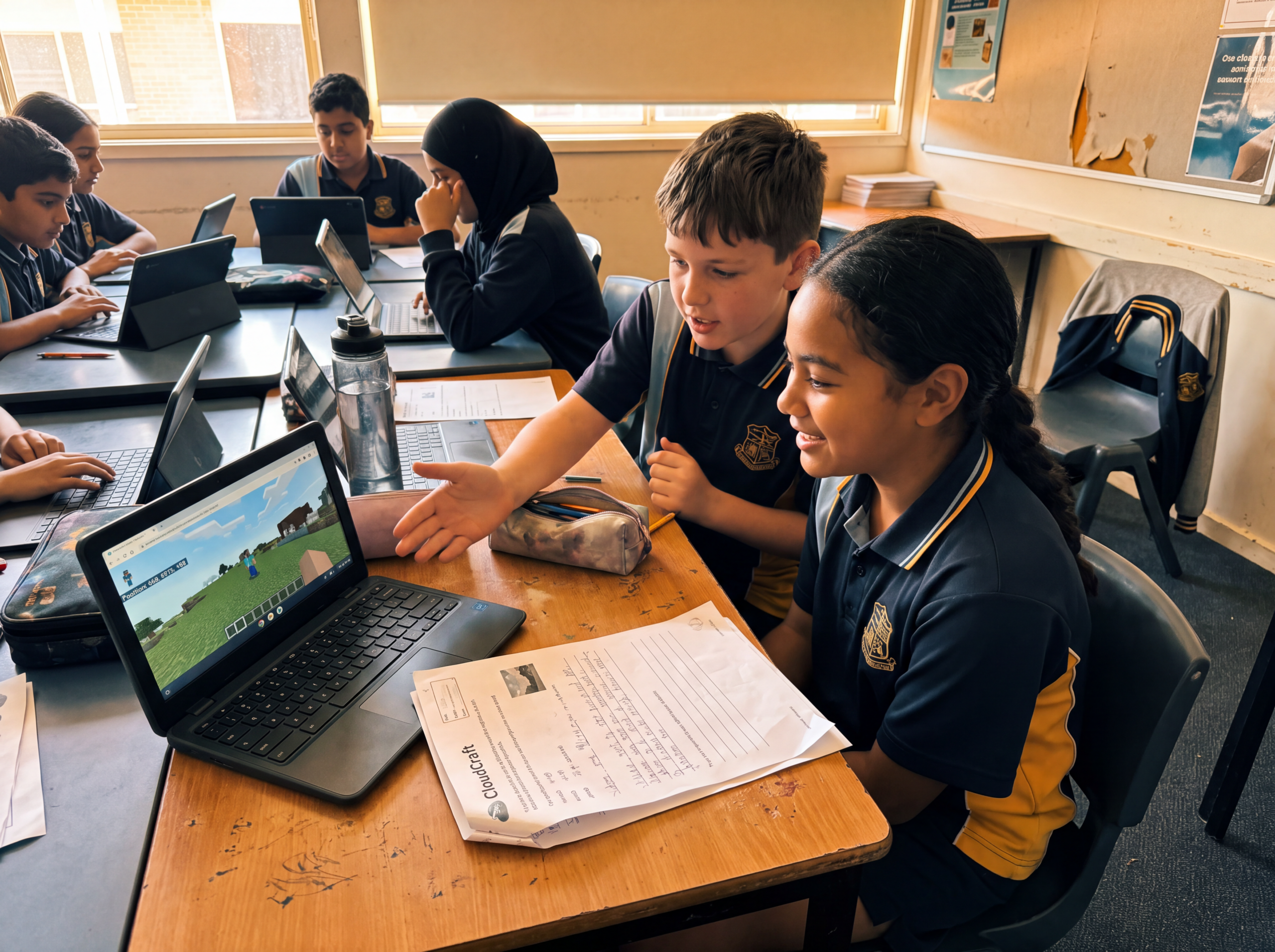
Students meet CloudCraft as their shared datacentre world, complete five hands-on job missions inside it, then branch out to a second Minecraft Education experience built specifically to teach networks. Along the way they collect real data, design for sustainability and finish with a datacentre design challenge of their own.
First three weeks
NSW outcomes
ST3-1WS-SScientific investigations and data collectionST3-2DP-TDesign solutions and simple algorithmsST3-3DP-TDigital solutions with branching and iterationST3-11DI-TDigital systems and networks
Stage 4 Years 7 to 8, all students
Technology 7 to 8 (2023), Digital and communication technologies focus area
Focus
Safe digital environments, coding and systems, planning and evaluating projects
Students build the concept of a datacentre before they ever open CloudCraft, then enter the world as investigators, gathering evidence of real systems at work. From there they move into a second Minecraft Education experience built around authentication and incident response, before planning, building and evaluating a project of their own.
First three weeks
NSW outcomes
TE4-DIG-01Technological literacy and safe digital interactionTE4-DIG-02Data, digital systems, coding and productionTE4-DES-01Communicate and evaluate design ideasTE4-PPM-01Planning, management and productionTE4-SAF-01Safe use of tools and technologiesTE4-SDP-01Sustainability, design and production
Stage 5 Years 9 to 10 electives
Computing Technology 7 to 10 (2022)
Focus
Data storage and security, algorithms and programming, systems thinking, UX and collaboration
Students analyse CloudCraft as a connected system from day one, then collect and quality check structured data the way a real datacentre team would. Later weeks move through storage and security, algorithms, simulation, UX and technical documentation, closing with an industry-style showcase tied directly to future local careers.
First three weeks
NSW outcomes
CT5-SAF-01Safe, secure and ethical use of dataCT5-DPM-01Iterative problem definition and evaluationCT5-THI-01Computational and systems thinkingCT5-DAT-01Data storage, transmission and securityCT5-DAT-02Acquire, represent and visualise dataCT5-OPL-01Algorithm design and programmingCT5-EVL-01Innovation and automation in computingCT5-DES-01User interfaces and experienceCT5-COL-01Collaborative work practicesCT5-COM-01Communicating ideas and solutions
Inside the pack
What you get
Every participating teacher receives:
- 01A complete 10-week unit for Term 4
- 02Weekly slide decks with speaker notes
- 03Printable student worksheets and activity sheets
- 04A 5 to 10 minute video each week from a UTB Minecraft expert introducing the lesson and modelling the CloudCraft activity
- 05One assessment task and rubric per track
- 06On-demand getting started PD and a short tech setup guide
- 07Optional live Q and A sessions during the term
- 08Student participation certificates and access to the end-of-term CloudCraft showcase
What teachers actually do each week
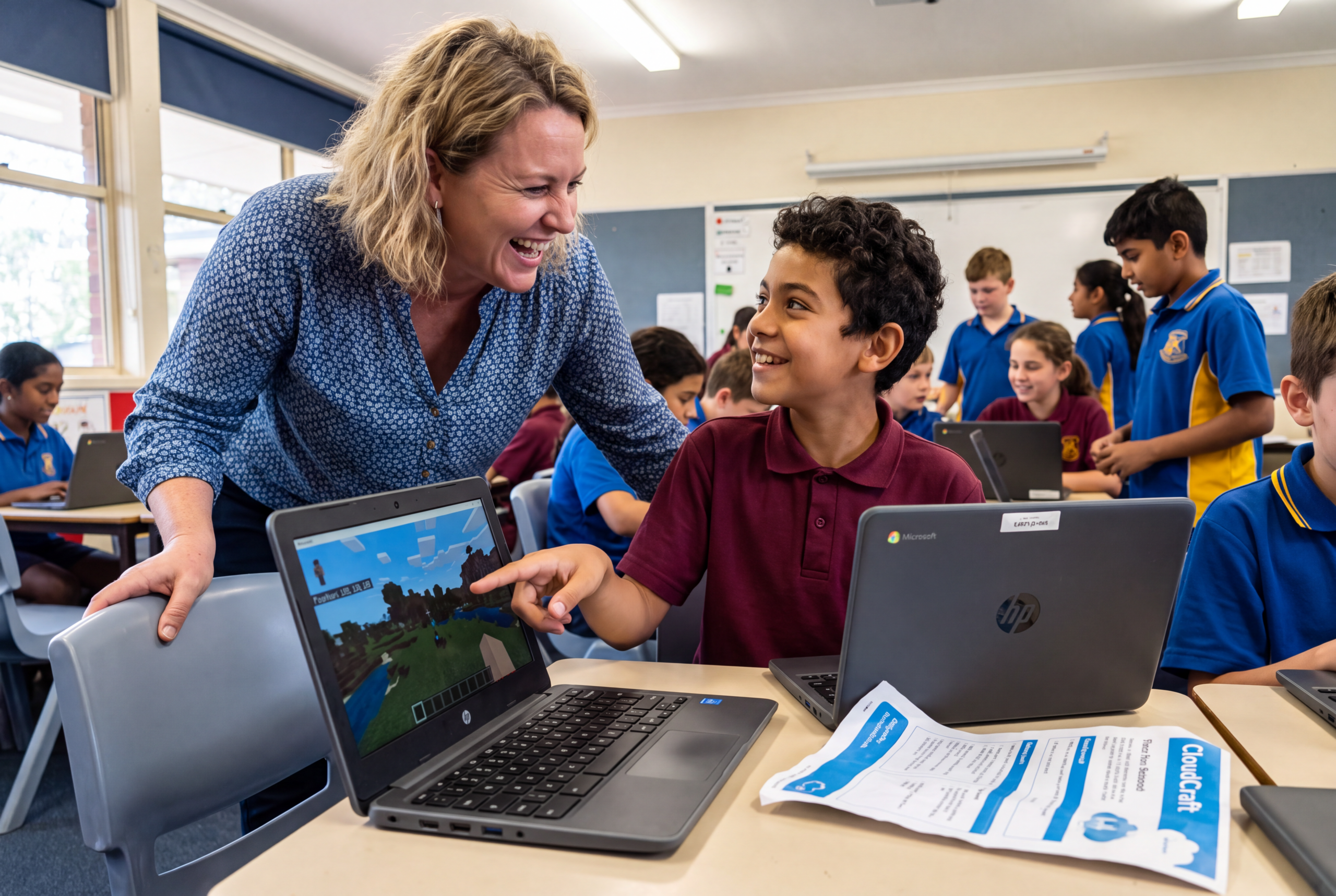
For each lesson, the teacher:
Prints the student worksheet pack
Opens the slide deck for that week
Presses play on the short UTB video that introduces the concept and shows the CloudCraft activity
Follows the speaker notes to guide students through the build and discussion
If you can press play and circulate in the room, you can run CloudCraft Futures.
Getting started
How it works
Three steps from application to a running Term 4 unit.
Apply for a funded place
Complete the short form with your school details, preferred track and estimated student numbers.
Get set up in under one hour
Your lead teacher watches the on‑demand PD, runs the tech check and downloads the Term 4 materials.
Run the 10-week unit
Each week in Term 4, teachers print, press play and guide students through the CloudCraft lesson.
Why CloudCraft, not just "coding in Minecraft"
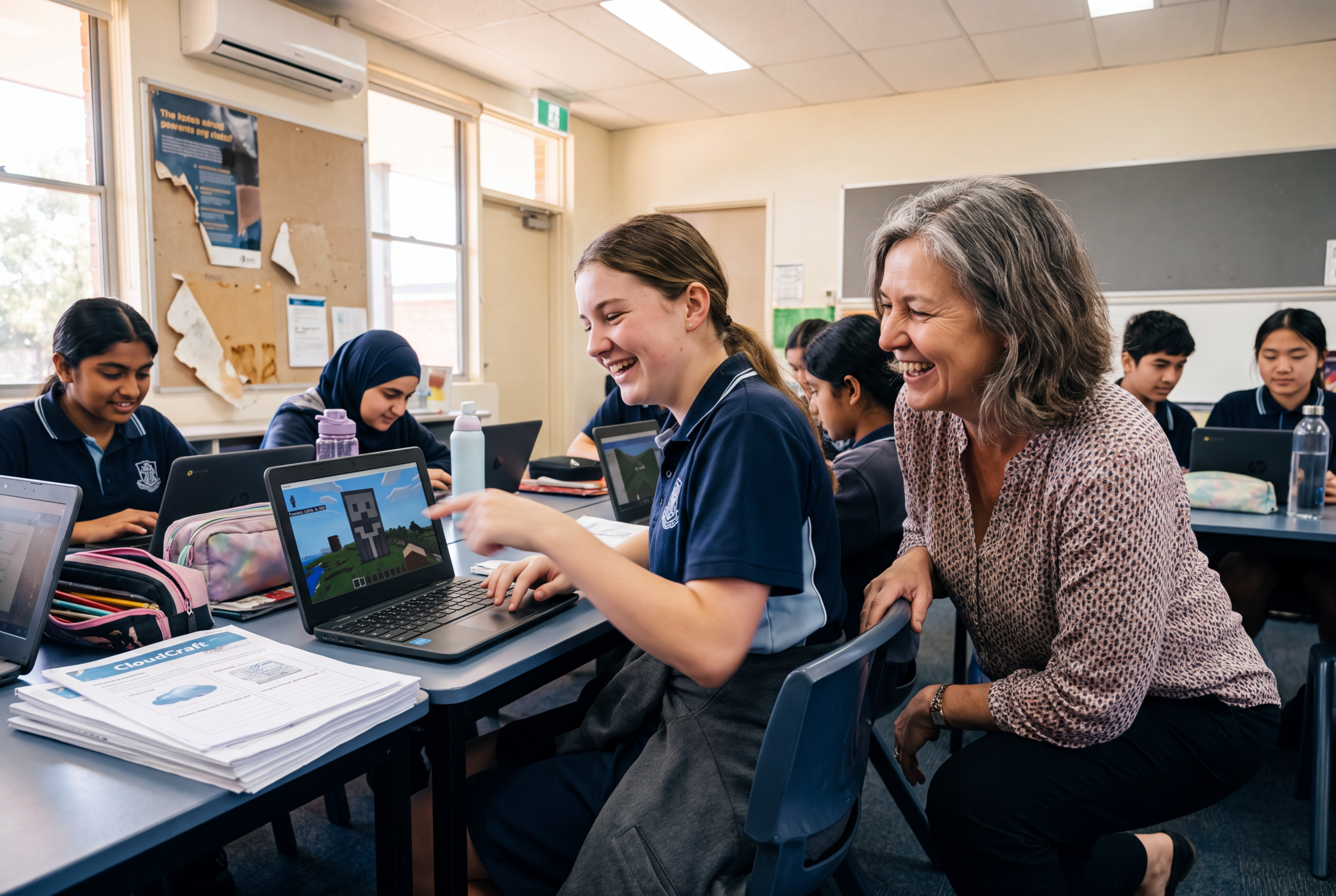
CloudCraft Futures was built specifically for the Western Sydney datacentre corridor. Across the 10 weeks, students:
See how local datacentres store and move the data they use every day
Connect classroom concepts to real roles such as network engineer, data analyst, cybersecurity specialist, cloud engineer and UX designer
Work inside a purpose-built toolkit across the term. Every track uses CloudCraft as its home base, and two tracks also bring in a second Minecraft Education experience (Network Heroes for Stage 3, The Interceptors for Stage 4) built specifically to teach networks and security in depth. Depth increases as students move through school, not just the amount of content.
This is not a generic coding unit. It is a local data careers story that runs through every week.
In the classroom
From schools already running it
Staff felt genuinely excited about delivering the program, and student engagement was remarkable.
CloudCraft Partner School
Had never felt confident teaching tech concepts before. CloudCraft made it click. The lesson sequences were ready to go and students were genuinely engaged.
Werribee Primary
I didn't think I was a tech person. But designing a data centre made me realise I actually like this stuff. And I didn't know there were jobs like this.
Year 5 Student,
Karwan School
Why now
Places, timing and support
Funded capacity for Western Sydney teachers in 2025
Teachers already completed training
Remaining funded places, to be allocated for Term 4 delivery
Registrations close when places are filled or at the start of Term 4, whichever comes first
If at any point you feel you cannot run the next CloudCraft lesson, UTB will provide extra help at no additional cost, including 1:1 planning or online co-teaching support, until you are confident.
Common questions
Questions schools ask
Any device that runs Minecraft Education: Windows or Mac laptops, school iPads or managed Chromebooks. One device per student is ideal, though the unit can be run in pairs. Students sign in with their department Microsoft account.
NSW public schools generally have access through their department licensing. If your school does not, the tech setup guide explains how to check entitlement and request access. No additional licence purchase is required for the funded program.
About 15 minutes of preparation: print the worksheets and skim the speaker notes. The lesson itself runs in a standard period. There is a one-off setup of roughly one hour before the term starts.
Teachers at NSW public schools in the Western Sydney datacentre corridor, delivering Stage 3 Science and Technology or Stage 4 to 5 Computing Technology in Term 4. If you are close to the corridor and unsure, apply and we will confirm.
There is no cost to the school. The program is fully funded, including the materials, the on-demand PD, the support sessions and the showcase.
Your school keeps the full materials pack and can rerun the unit in future years. Participating teachers stay on the CloudCraft mailing list for updated worksheets and new activities.
Yes. Each teacher takes one funded place, so list every teacher who intends to run the unit on the application. Most schools apply with two or three.
No. The PD starts from the very beginning: how to open Minecraft Education, how to navigate, how to use basic tools. Many of the most successful teachers came in as complete beginners.
Yes. If your school has classes across multiple stages, you can register for more than one track on the same application. Just select all the stages you plan to deliver so we can send you the correct materials pack for each one.
Just a short survey with five questions at the end of the program. No detailed data collection, no compliance paperwork. It takes a few minutes.
Minecraft Education can run in offline mode once installed. Students can build without an active internet connection. They only need to be online for the initial download and final submission.
Ready for a zero-prep, curriculum-aligned Minecraft unit in Term 4?
Applications close Friday, 25 September 2026
Secure a fully funded spot in the 10-week CloudCraft Futures program for Term 4. Takes about 3 minutes. One form per teacher.
By applying you agree that Using Technology Better may use your details to assess your application, allocate your funded place and support you through the program. Your details are handled in line with our Privacy Policy.

Empowering you and your team to do your best work. New Zealand · Australia · Asia-Pacific
By applying you agree that Using Technology Better may use your details to assess your application, allocate your funded place and support you through the program, and may share participation data with [Funder] for program reporting. Your details are handled in line with our Privacy Policy.